 Pages Before Pixels
Why plan a website before you build it
Last reviewed
The short version
- Planning means deciding what the site is for before you build anything.
- It takes seven small steps. You do each one on paper.
- Plans are cheap to change. Built pages are not.
What "planning" means here
You haven't opened a website builder yet. Good. This is the right moment to stop and think.
The first question is simple: what should your website actually do?[1] Everything else follows from the answer.
If this is your first site, keep it small. MDN's beginner course says the same thing: for your first try, keep things simple.[1]
The seven steps
Each step has its own page in this guide. They run in this order.
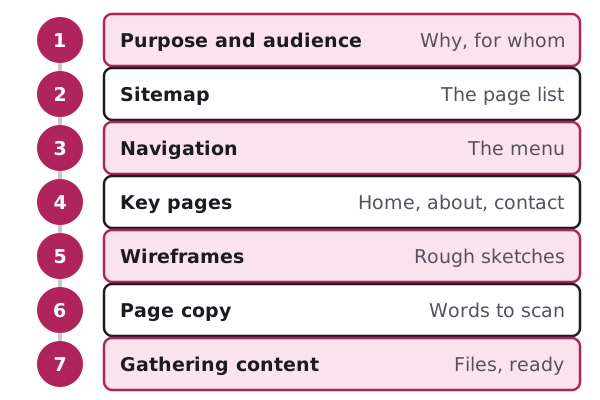
- Purpose and audience: why the site exists and who it's for.
- Sitemap: the list of pages you need.
- Navigation: the menu that gets people to those pages.
- Home, about and contact pages: what the key pages hold.
- Wireframes: a rough sketch of each kind of page.
- Page copy: words that people can scan.
- Gathering content: the text, photos and files, ready to go.
Don't skip ahead. A sketch of a page is hard to draw if you don't know which pages exist yet.
Start on paper
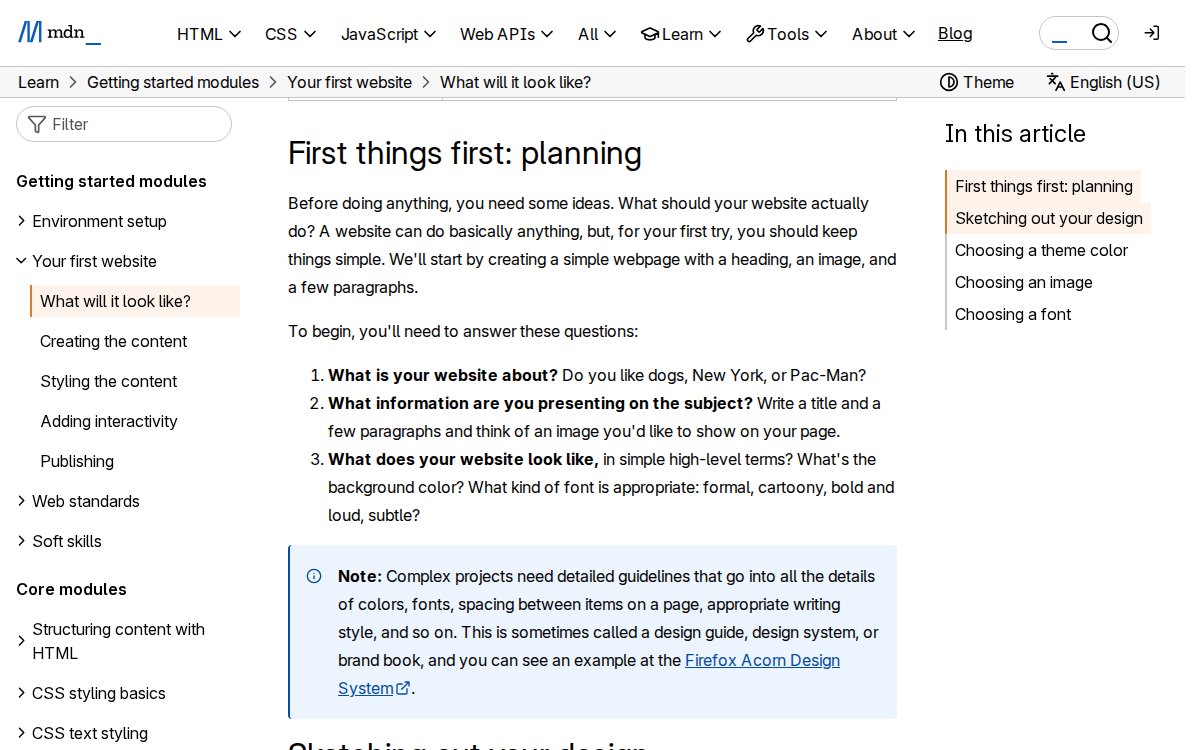
MDN suggests you grab a pen and paper and sketch out roughly how you want your site to look.[1] It says even large web teams usually start with rough paper sketches.[1]
Here is how MDN words its three starting questions.
Paper has one big advantage. You can screw it up and start again in ten seconds. Nobody feels bad about a crossed-out sketch.
Wireframing, which is the sketching step, is described as the point where thinking becomes tangible.[2] That's why this guide gets you thinking first.
What you'll have at the end
By the last page, you'll hold a small stack of paper:
- one sentence saying what the site is for
- a sitemap
- a menu list
- a sketch of each kind of page
- draft words for the key pages
- a folder of photos and files
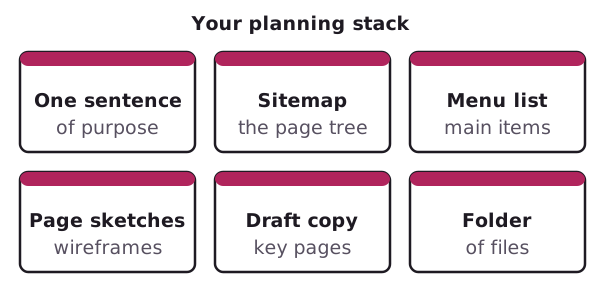
That stack is your plan. Hand it to a designer, or use it yourself in any builder.
What this guide leaves out
This guide is about planning only. It doesn't cover how pages fit a phone screen. It leaves out accessibility rules and search ranking too. Those are separate subjects.
Sources
- What will your website look like?, MDN Web Docs (accessed 2026-11-01)
- Website wireframe, Wikipedia (accessed 2026-11-01)